 By Madison Pagi
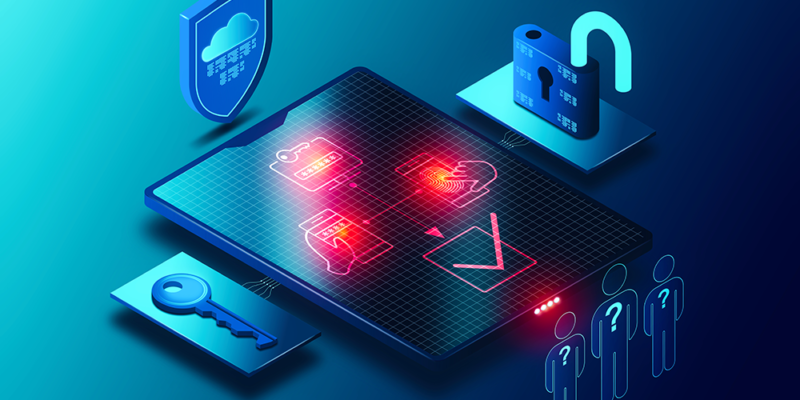
Multi-Factor Authentication (MFA) is a security process that requires users to verify their identity through two or more independent credentials. These factors typically include something the user knows (password), has (authentication device), or is (biometric data). By combining multiple layers, MFA significantly reduces the chances of unauthorized access.
Why Traditional Passwords Are No Longer Enough
Passwords alone have become weak links in modern cybersecurity. Common issues include:
-
Reused or predictable passwords
-
Passwords exposed in data breaches
-
Susceptibility to phishing attacks
-
Users opting for convenience over complexity
With cyber threats becoming more advanced, relying solely on passwords puts individuals and organizations at risk.
How MFA Strengthens Security
Reduces Unauthorized Access
Even if an attacker obtains a password, MFA blocks access unless the second or third factor is provided. This creates a barrier that significantly lowers successful intrusion attempts.
Mitigates Phishing and Social Engineering
Phishing attacks aim to steal login credentials, but MFA adds verification steps attackers typically cannot bypass. It protects users even when human error occurs.
Protects Sensitive Data
Businesses handle enormous volumes of confidential information—financial records, personal data, intellectual property. MFA ensures data remains secure across devices, networks, and applications.
Improves Compliance
Many industries now require MFA to meet regulatory standards such as:
-
HIPAA
-
GDPR
-
PCI-DSS
-
NIST guidelines
Using MFA helps organizations comply with these rules and avoid penalties.
Types of Multi-Factor Authentication
1. SMS and Email Codes
A unique code is sent to a user’s device. While common, this method is less secure than others due to risks like SIM swapping.
2. Authenticator Apps
Applications such as Google Authenticator or Microsoft Authenticator generate time-based codes. They offer stronger security than SMS-based options.
3. Hardware Tokens
Physical devices that generate or store authentication keys. These provide highly reliable protection, especially for enterprise environments.
4. Biometric Authentication
Uses physical characteristics—fingerprints, facial recognition, or iris scans. Biometrics add convenience while maintaining strong security.
5. Push Notifications
Users receive a prompt on their device to approve or deny login attempts. This method is both secure and user-friendly.
Benefits of Implementing MFA
Enhanced Security
The primary benefit is a dramatic increase in account and data protection through layered verification.
User-Friendly Experience
Modern MFA tools are designed to minimize inconvenience. Push notifications, biometrics, and apps streamline the login process.
Cost-Effective Cyber Defense
Preventing data breaches saves organizations from financial loss, legal issues, and reputational damage. MFA offers high-value protection at relatively low cost.
Supports Remote and Hybrid Workforces
With employees accessing company systems from diverse locations and devices, MFA ensures secure access regardless of where people work.
Why Every Individual and Business Should Adopt MFA
Cyber threats affect everyone—small businesses, large enterprises, and individual users alike. MFA provides a critical buffer that drastically reduces the risk of unauthorized access. Implementing it across accounts, devices, and applications ensures long-term digital safety and resilience.
FAQs
1. Is MFA difficult to set up?
Most MFA tools are designed for easy setup, often requiring just a few steps to link devices or apps.
2. Does MFA work without an internet connection?
Certain methods, such as hardware tokens or authenticator apps, can generate offline codes.
3. Can MFA be used for all accounts?
Many platforms support MFA, and more are adding support as cybersecurity demands grow.
4. Is biometric authentication secure?
Yes. Biometrics are unique to each person and difficult to replicate, making them highly secure.
5. What happens if I lose my authentication device?
Backup codes or secondary methods can be set up to regain access safely.
6. Does MFA slow down the login process?
Modern MFA options are designed to be fast, with many methods taking only a few seconds.
7. Is MFA enough to protect my accounts completely?
MFA greatly strengthens security, but it should be used alongside other measures such as strong passwords and regular software updates.